
Settings — Backup
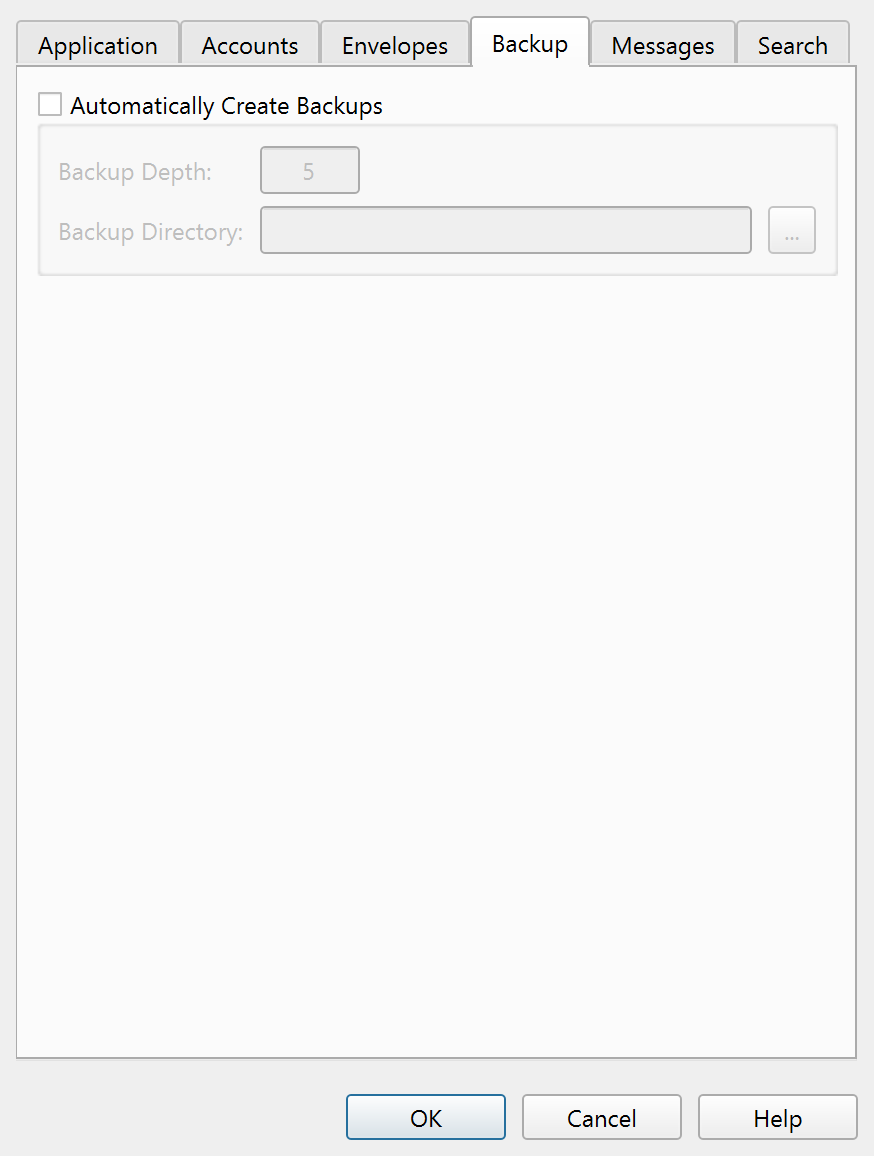
Automatic backup settings.
Overview
The Backup tab of the Settings dialog controls automatic file backup. When enabled, Principal Plan creates a backup copy of your data file the first time you save it in each session.
Settings
| Setting | Description |
|---|---|
| Automatically create backups | The master toggle for the backup feature. When unchecked, no automatic backups are created and the remaining settings on this tab are disabled. |
| Backup depth: | The number of backup copies to keep (1–100). When a new backup is created and the count exceeds this limit, the oldest backup is discarded. The default is 5. |
| Backup directory: | The folder where backup files are stored. Click the browse button to select a directory. If the backup directory is unavailable when saving, an error message appears and the save is aborted to protect your data. |
Note: The entire help system is available as a single Markdown file suitable for teaching your favorite AI agent to be your personal Principal Plan expert. Download