
Settings — Messages
Which prompts and confirmations to show.
Overview
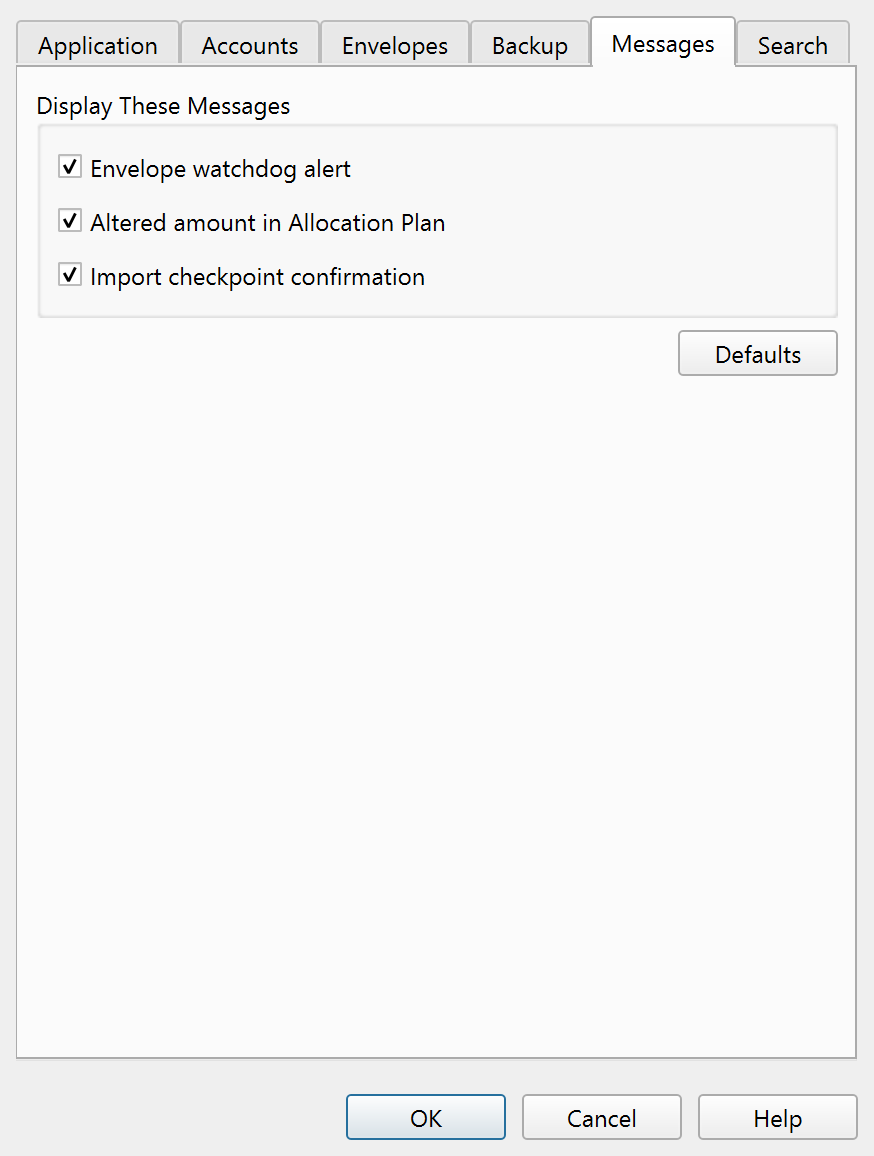
The Messages tab of the Settings dialog controls which confirmation and warning dialogs Principal Plan displays. Unchecking a message suppresses it; the underlying action still occurs, but without a prompt.
Display These Messages
| Setting | Description |
|---|---|
| Envelope watchdog alert | Shows a warning when an envelope balance drops below its watchdog limit. |
| Altered amount in Allocation Plan | Shows a notification when the Allocation Plan normalizes cell values after you change an amount. |
| Import checkpoint confirmation | Shows a confirmation when a checkpoint is created before an import. |
All three are enabled by default. A Defaults button restores all Messages tab settings to their factory values.
Note: The entire help system is available as a single Markdown file suitable for teaching your favorite AI agent to be your personal Principal Plan expert. Download